Description
From the manufacturer

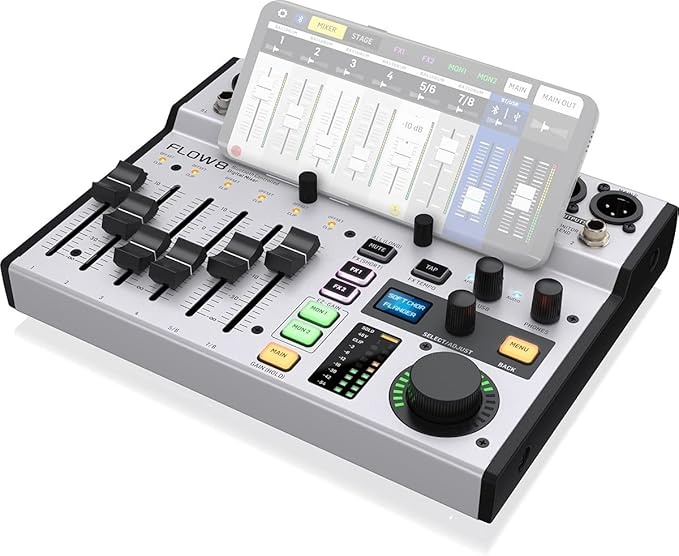
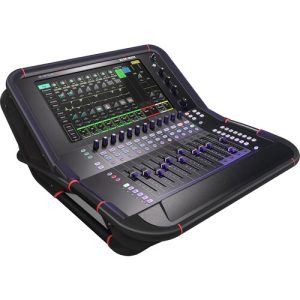
FLOW 8
8-Input Digital Mixer with Bluetooth Audio and App Control, 60 mm Channel Faders, 2 FX Processors and USB/Audio Interface
- Ultra-low noise, high headroom digital mixer with wireless remote control
- FLOW App for Bluetooth remote control from iOS/Android mobile phones or tablets
- 60 mm channel faders and master rotary control with LED collar
- EZ-Gain function analyzes the signals in your application and automatically sets the gain for optimum headroom
- Two Midas microphone preamps with 48 V phantom power and programmable gain
- Two additional mic/line inputs on combo XLR/TRS jacks
- Built-in 10 x 2 channel USB computer audio Interface, with 48 kHz / 24-Bit resolution
- Balanced main outputs on gold-plated XLR and balanced monitor outputs on 1/4″ TRS
FLOW 8

Digital Mixing with Ease
Digital mixers offer studio quality processing, highest fidelity, total recall of all settings and even remote operation. Those are hugely attractive features, but they all come at a cost – with bigger physical size, more complex operation requiring at least some degree of audio technical education. The millions of analog small format mixers that Behringer has built over the years clearly tell us that there are many users who need a mixer that is compact, affordable, dependable and easy to operate.
Typical applications very often just need to balance the level of a handful of sources. So, why making things more complicated than they need to be? It is time for something genuinely new providing modern features and workflows to everyone in a simple and light form – it is time for FLOW 8 digital mixing.

EZ-Gain Assisted Gain Staging
Have you ever heard someone say, “you need to pay attention to your gain staging”? Do you know what the “gain structure” is about? When you are interested in clean and healthy signals, with low noise and low harmonic distortion, then adjusting the right amount of preamp gain is paramount. It is defining the amount of amplification a signal gets when entering the mixer. Since source signals can be anything from a strong hit on the snare drum, to the subtle hum of bees, there is not one gain fitting all possible purposes.
Gain staging is always a compromise and finding the right one requires either experience and technical knowledge, or the new FLOW 8 EZ-GAIN feature. The function can monitor signals on one or all channels at the same time, until you think the loudest sounds have been put to it. EZ GAIN will then automatically adjust the channel gain to the optimum headroom.

Full App Remote Control
Let’s face it, small mixers are more often placed where cables end, rather than in a position where it would be most useful for controlling the mix. You may have to stretch out for controlling levels or walk away from the mixer to judge if your adjustment has the desired effect. No longer! FLOW 8 mixers offer full remote control from basically any Android or iOS device, giving you the freedom to go exactly where the sound is ideal for making any sort of adjustment. Tweak the 9-band EQ for the main PA speakers, set the compressor on the bass guitar or adjust the mix for the talents on stage…

Assisted Setup for Beginners
You are new to the world of audio and not sure which signal to put on different inputs? You don’t know how to use the EQ or compressor for dedicated signals? No problem, the FLOW 8 app provides you with a unique setup wizard that takes you step by step to make your music shine. After selecting the type of input the assistant will offer you presets and tell you where to plug the cables in. Thanks to this innovative feature you can add your instruments and microphones even though you are no expert yet.
FLOW 8

Total Recall of All Settings
You are recording a podcast one day and some vocals the other? You are mixing multiple artists on the same gig? Or generally speaking – FLOW 8 is your permanent companion for various audio applications and you want perfectly tweaked preset available on your fingertips within seconds. Then the integrated snapshot library and the possibility to store unlimited snapshots per FLOW 8 app gives you instant, unlimited power. STORE, EDIT and LOAD mixer settings via the hardware or app instantaneously. You can even trigger snapshot loading with a connected footswitch to bring your performance to life. While the hardware provides 15 internal storage-slots for presets, the app can store an unlimited number of snapshots sorted by name, date and time.
Outstanding Audio Quality (on the Go)
With two Midas microphone preamps and internal 32 VFP-Processing FLOW 8 joins the X32, X-Air and WING series of digital mixing consoles. Even though the form factor and number of I/O is specifically tailored to smaller setups, each individual channel offers crystal clear audio and keeps up with its ancestors’ sound quality. All channels offer 4-band EQ, compression, as well as 2 FX and 2 monitor sends. All the monitor and main buses feature 9-band EQ and a limiter for preventing unexpected volume peaks on your speakers.

Looking for that Big Sound?
There is reverb and then there is REVERB. FLOW 8 features two independent studio-grade effects engines, each with 16 presets for refining your instruments and vocals with breathtaking effects sounds and depth. 12 Reverb programs span from a very short yet lively Ambience to very long and smooth Temple or Stadium simulations. All of them come in two flavors and their decay time can be adjusted continuously. In addition to that you will get various delay and modulation effects for all styles and applications.
FLOW 8

Built-in Bluetooth Streaming
Since compact loudspeakers are dominating the consumer market, bluetooth has established itself as a standard for audio-connections in the consumer world. Mini-jack sockets are being replaced more and more and many smartphones and tablets require special adapters to output analogue audio signals. Therefore, FLOW 8 offers an integrated Bluetooth receiver, that enables you to comfortably play music in between performances without annoying adapters and the need of being close to the mixing console all the time.
The BT audio connection for playing audio back can be connected independently from the FLOW 8 remote application. While using BT Audio for playback on one mobile device, BT LE can be used separately on another device for the control application, if you wish.

FLOW 8 CLAMP Option – Simple and Solid
The optional FLOW 8 CLAMP is based on the original TC Helicon Perform Series side cap design, using a special material that combines extreme longevity and a dependable, firm connection with the mic stand. It consists of a metal bracket that is screwed to the mixer and the proprietary plastic part that clips on to the mic-stand without any screws. You can choose to mount the clamp to the bracket in 3 angles (0°, 15°, 30°) depending on your preferred mixer orientation.
The FLOW 8 CLAMP is designed to bring your FLOW 8 mixer within reach during your performance. On stage for a small club gig or in a recording setup, the best place will often be right at your microphone stand. It avoids unnecessary cable clutter and keeps the control surface of your FLOW 8 mixer permanently accessible. The clamp is designed for standard 5/8” microphone stands diameter (not exceeding 16.5 mm).

USB Multi-Channel Interface
The internal USB interface offers 10 recording tracks and 2 additional playback channels. All input signals can be individually recorded and post-processed. This makes FLOW 8 the ideal partner for DAW home recording with zero-latency monitoring, streaming and podcasting. No additional USB audio interface required. All Input signals and the Main stereo mix can be sent to audio applications on a Mac-, Windows- or Linux-System for recording, editing or streaming.
Whether you’re a singer, songwriter, small ensemble, teacher or presenter, gamer, podcaster or video blogger, producing at home or playing live in bars, café houses or in the streets, when practicing or performing… FLOW 8 will ensure impeccable audio quality and help you create amazing sound with ease.

Apple Watch Series 6 (GPS, 44mm, Space Gray Aluminum, Black Sport Band)
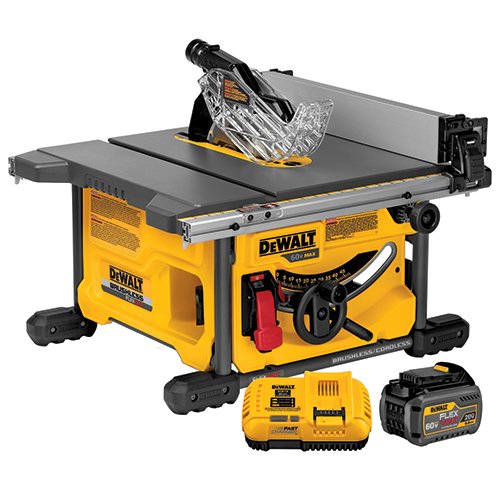
DEWALT DCS7485T1 FLEXVOLT 60V MAX Table Saw Kit, 8-1/4"
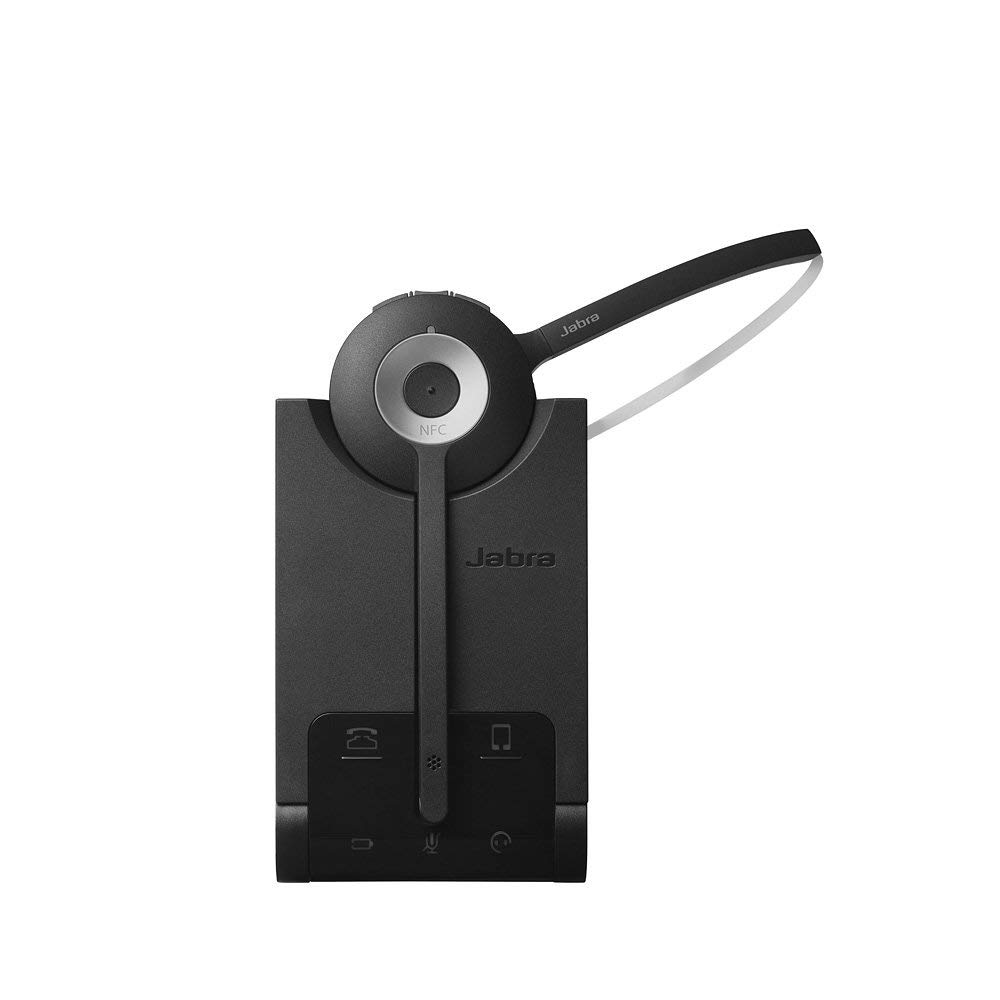
Jabra PRO 920 Mono Wireless Headset for Deskphone
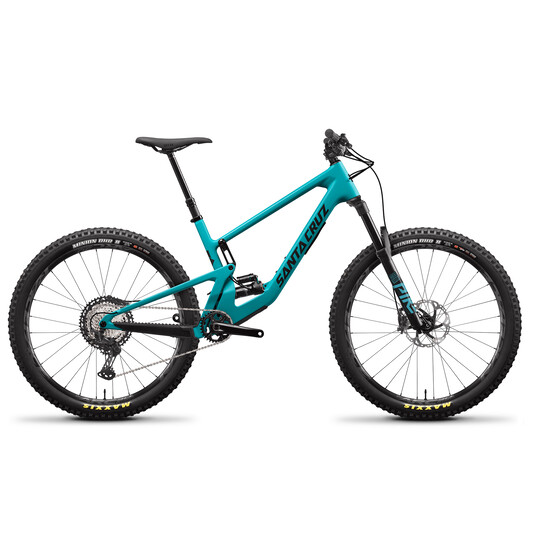
Santa Cruz 5010 4 C XT-Kit (2021)
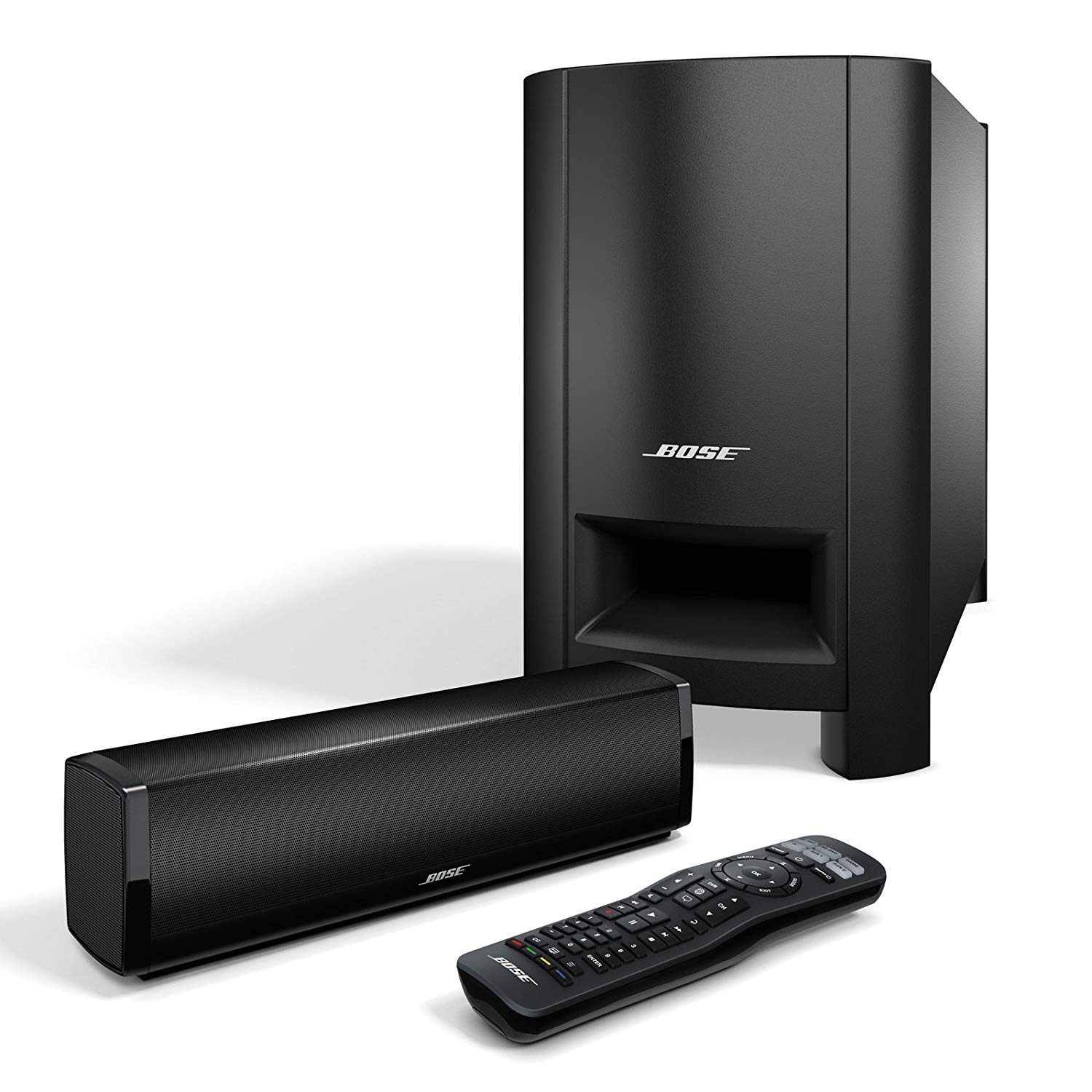
Bose CineMate GS Series II Digital Home Theater Speaker System
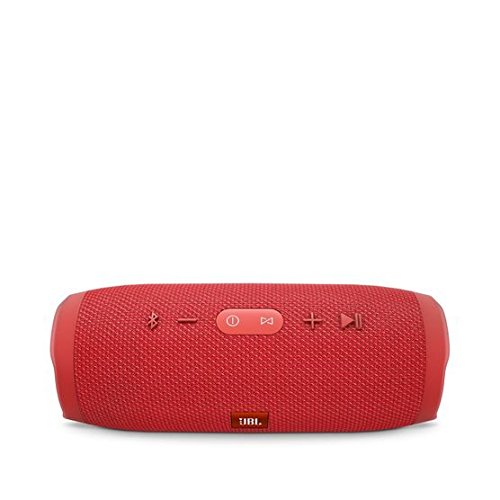
JBL Charge 3 JBLCHARGE3BLKAM Waterproof Portable Bluetooth Speaker
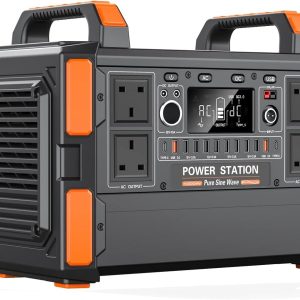
T10 Solar Power 1048Wh 3.2V Battery Charger Station Portable Generator
Apple iPhone 11 Pro 512GB Midnight Green
Apple iPhone 11 128GB Black
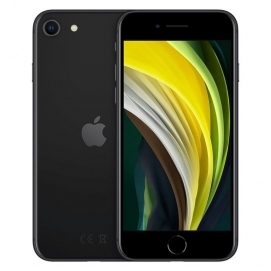
Apple iPhone SE 2020 64GB Black
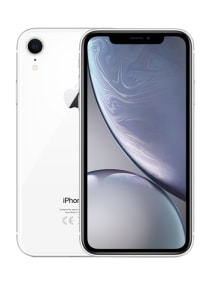
Apple iPhone XR 64GB White
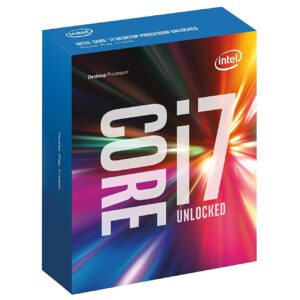
Intel Core i7 6700K 4.00 GHz Unlocked Quad Core Skylake Desktop Processor, Socket LGA 1151 [BX80662I76700K]
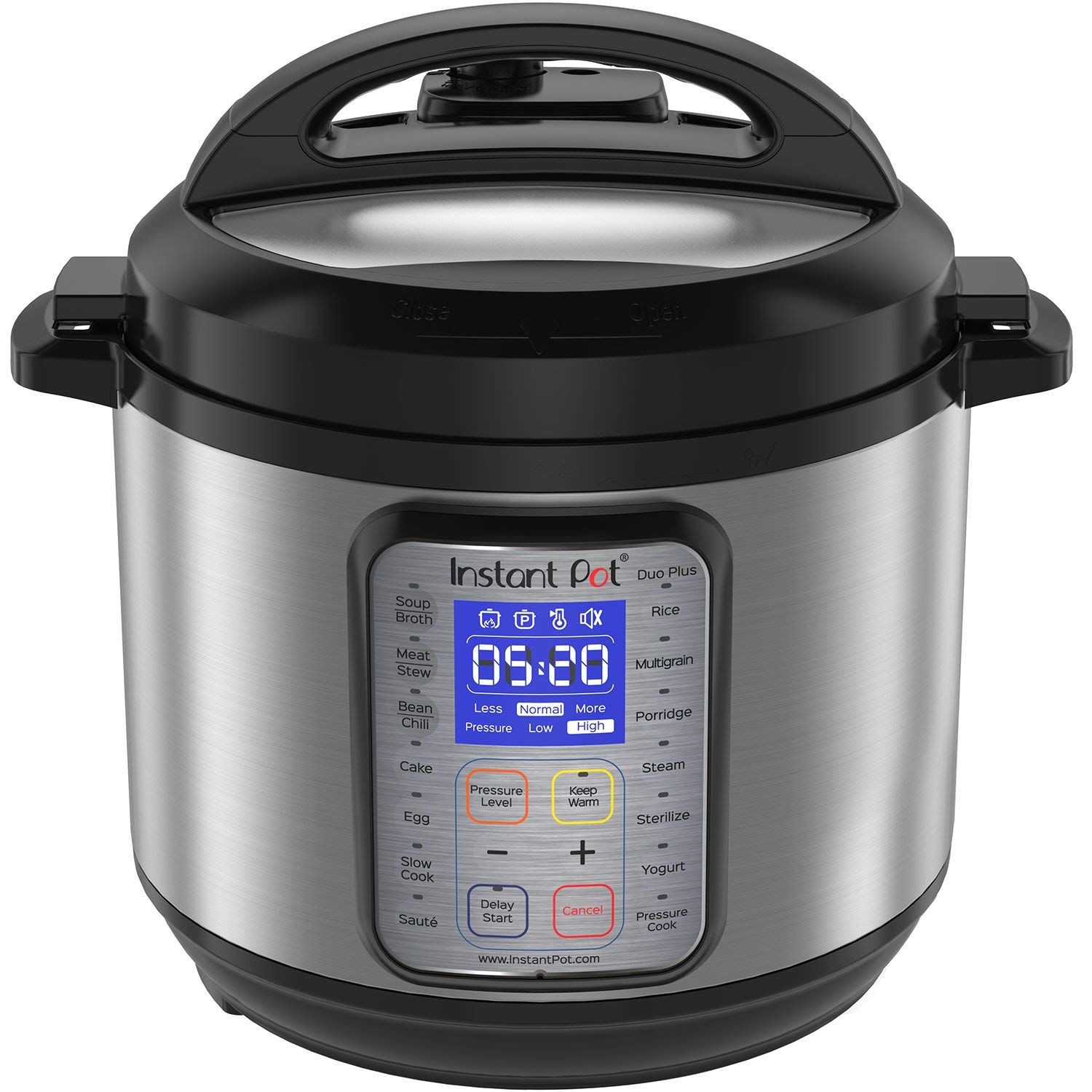
Instant Pot DUO Plus 60, 6 Qt 9-in-1 Multi- Use Programmable Pressure Cooker
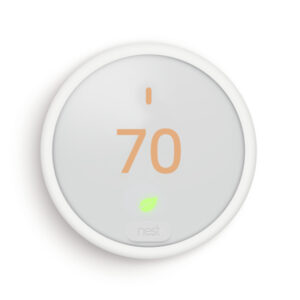
Nest Thermostat E
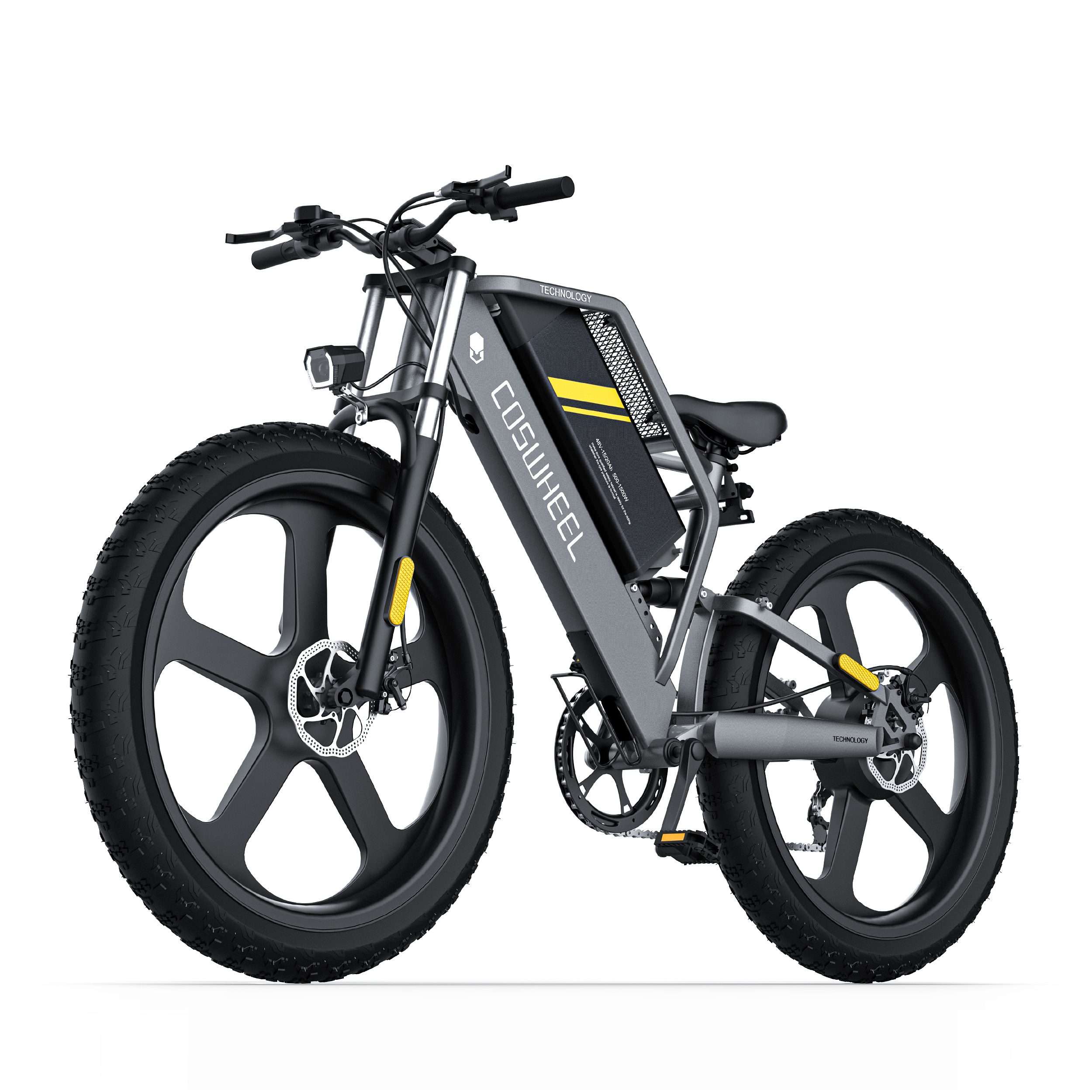
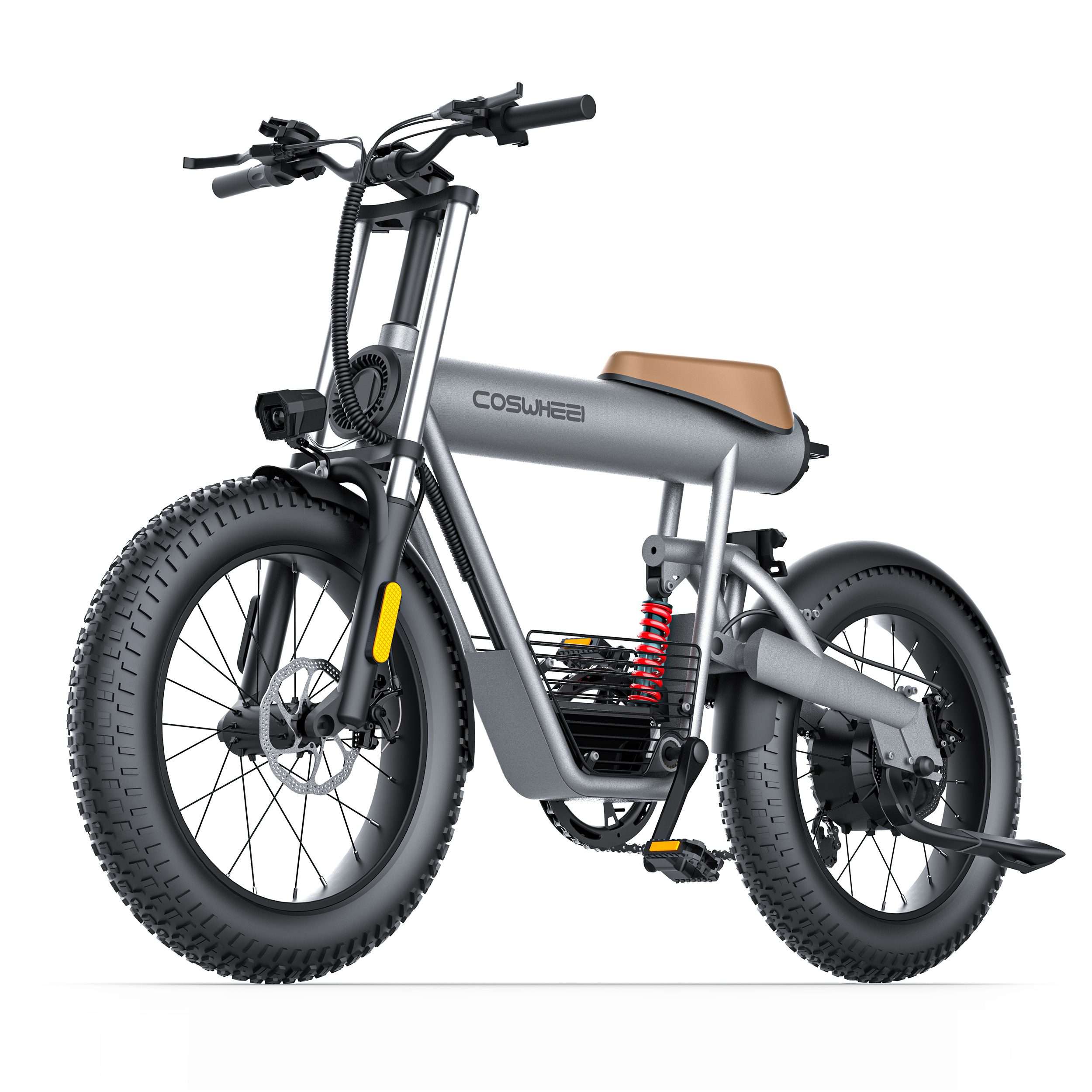
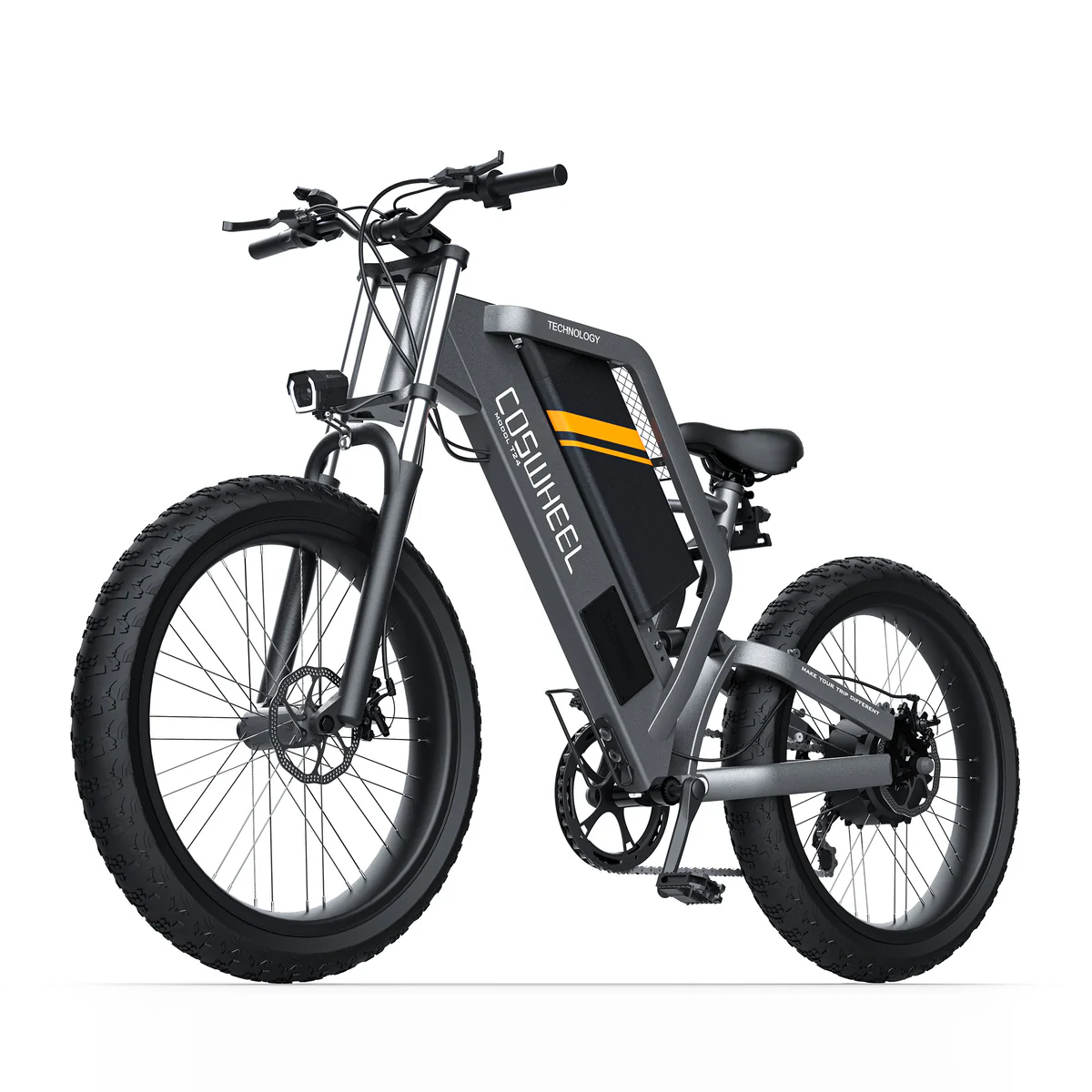
T26 EBIKE
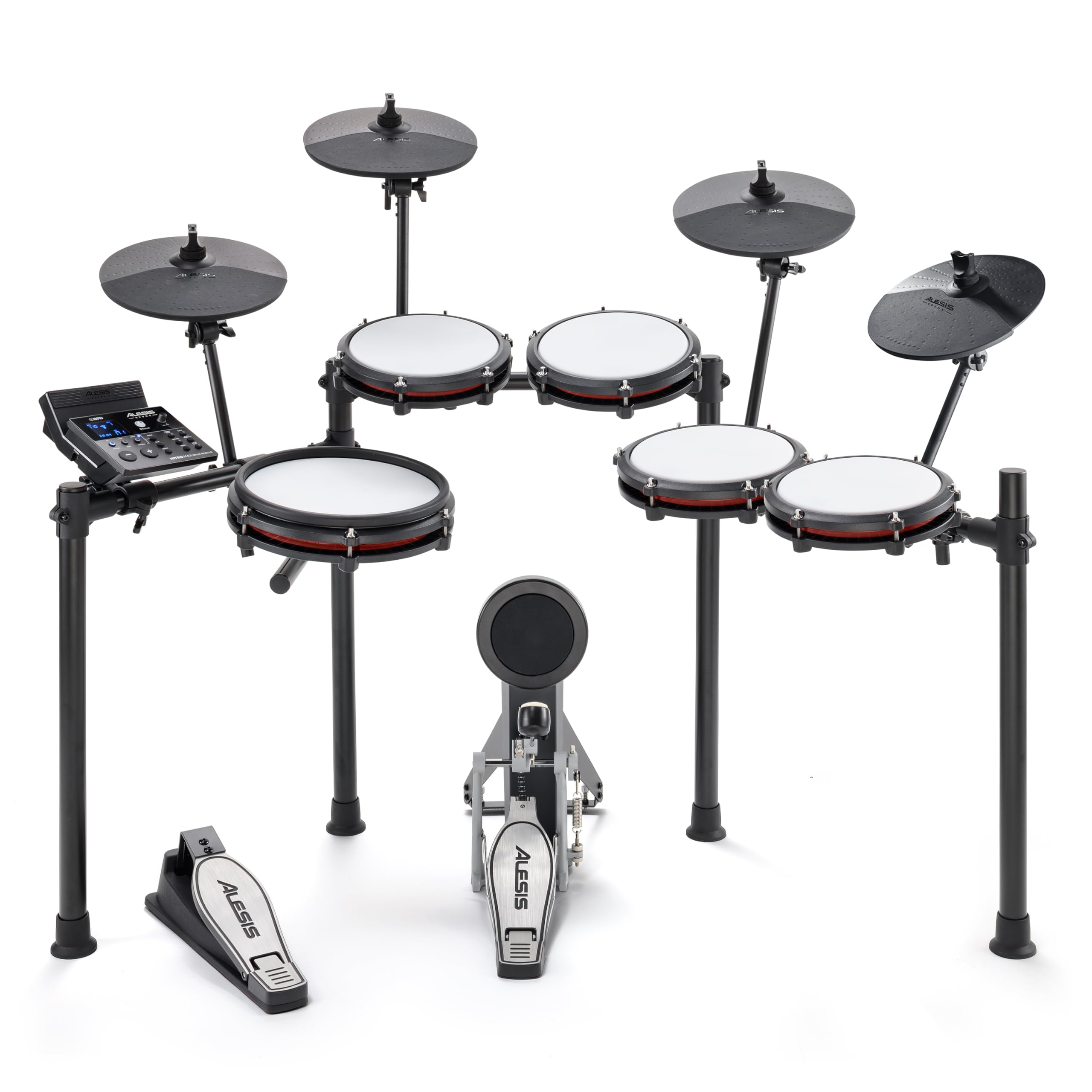
Alesis Drums Nitro Mesh Kit | Eight Piece All-Mesh Electronic Drum Kit With Super-Solid Aluminum Rack, 385 Sounds, 60 Play-Along Tracks, Connection Cables, Drum Sticks & Drum Key included
Sapphire 11265-00-40G Radeon NITRO+ RX 580 8GB GDDR5 DUAL HDMI / DVI-D / DUAL DP with backplate LIMITED EDITION (UEFI) PCI-E Graphic Cards
Fiido D3 Pro Mini Electric Bike
NVIDIA SHIELD TV Pro 500 GB Home Media Server (2019)
Apple iPhone 11 128GB (Product) Red
Sapphire 11265-01-20G Radeon NITRO+ RX 580 8GB GDDR5 DUAL HDMI / DVI-D / DUAL DP with backplate (UEFI) PCI-E Graphics Card
Panther v4.2 Electric Bike
DEWALT DWS709 Slide Compound Miter Saw, 12-Inch
T20 EBIKE
CT20S EBIKE
Apple iPhone 11 Pro Max 512GB Space Gray
JBL E65BTNC Wireless/Bluetooth Over-Ear Noise Cancelling Headphones
Fiido T1 Pro Utility Electric Bike
EVGA GeForce GTX 1080 Ti FTW3 Gaming, 11GB GDDR5X, iCX Technology - 9 Thermal Sensors & RGB LED G/P/M, 3X Async Fan Control, Optimized Airflow Design Graphics Card 11G-P4-6696-KR
CASUS ROG-STRIX-RX570-O4G-GAMING OC Edition GDDR5 DP HDMI DVI VR Ready AMD Graphics Card
Pioneer DDJ-SZ2 4-channel controller for Serato DJ 


There are no reviews yet.